我们浏览网站资料的时候,发现有价值的文档,经常需要把材料保存下来。直接复制其实比较麻烦,况且有的网站还做了限制,不方便直接保存。这时将页面直接保存为 PDF 格式的文件是一个很好的需求。
通常的做法是需要借助一些浏览器插件或者打印扩展来实现,这里我们学习自动化的话,其实利用 puppeteer 就可以方便地实现这个目的。再加上工具的自动化加持,绝对是爬取并保存重要资料的利器。
Puppeteer用法
关于 Puppeteer 工具的基本用法,在我之前的博文 自动化测试工具Puppeteer简介 中已有较全面介绍,大家可以参考。
pdf() 的基本用法
在 Puppeteer 中保存 pdf 文件其实非常简单,通过调用 puppeteer 内置的 pdf() 方法就可以将当前页面保存为一个pdf文件
官方给的案例:
| |
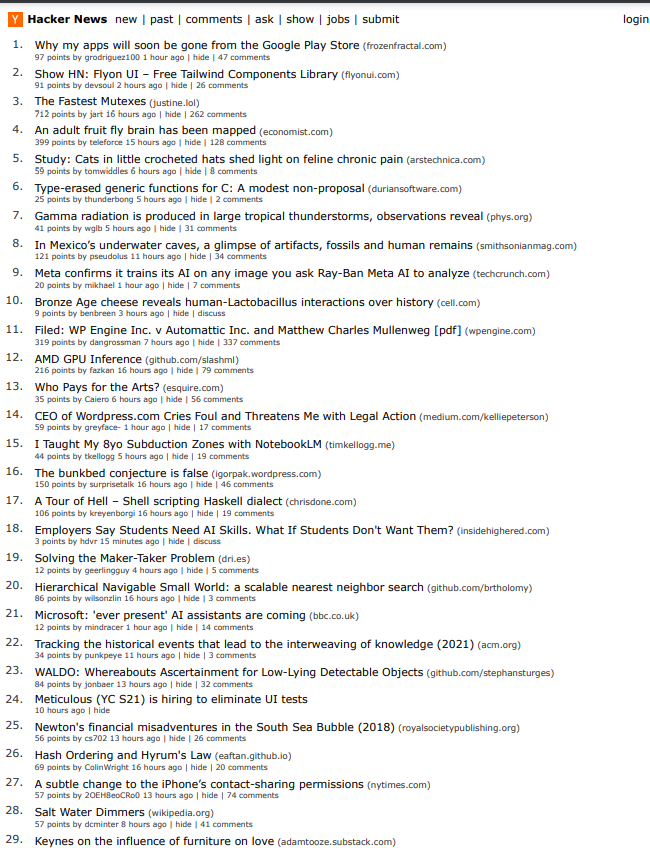
用来访问一个技术新闻聚合网站,并将页面保存到 hn.pdf 文件中
PaperFormat
上面的例子中有个参数 format, 这个参数其实是指定保存的页面大小,可以取值为一些默认的打印页面大小,取值清单和对应的大小如下(单位英寸):
Letter: 8.5in x 11inLegal: 8.5in x 14inTabloid: 11in x 17inLedger: 17in x 11inA0: 33.1102in x 46.811inA1: 23.3858in x 33.1102inA2: 16.5354in x 23.3858inA3: 11.6929in x 16.5354inA4: 8.2677in x 11.6929inA5: 5.8268in x 8.2677inA6: 4.1339in x 5.8268in
PDFMargin
除了 format, 还可以像打印时设置页边距,设置 margin 属性, 对应取值
| Property | Modifiers | Type |
|---|---|---|
| bottom | optional | string | number |
| left | optional | string | number |
| right | optional | string | number |
| top | optional | string | number |
| 上面的代码加上页边距设置: |
| |
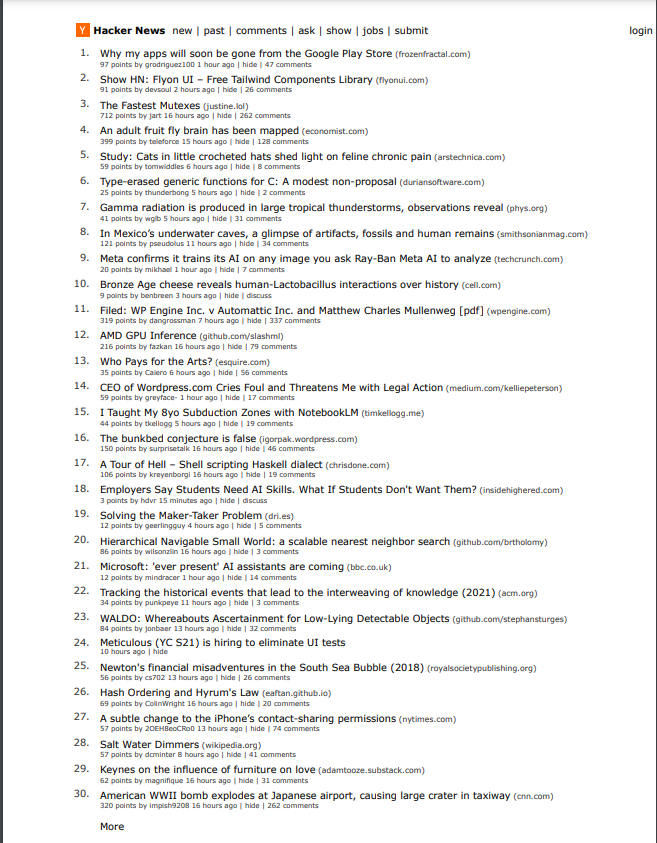
可以看到页边距也进行了调整
PDFOption
除了上面两个常用的调整参数外,这个方法其实也提供了其他更丰富的设置,基本可以实现我们保存 pdf 文档时的各种样式设置需要。
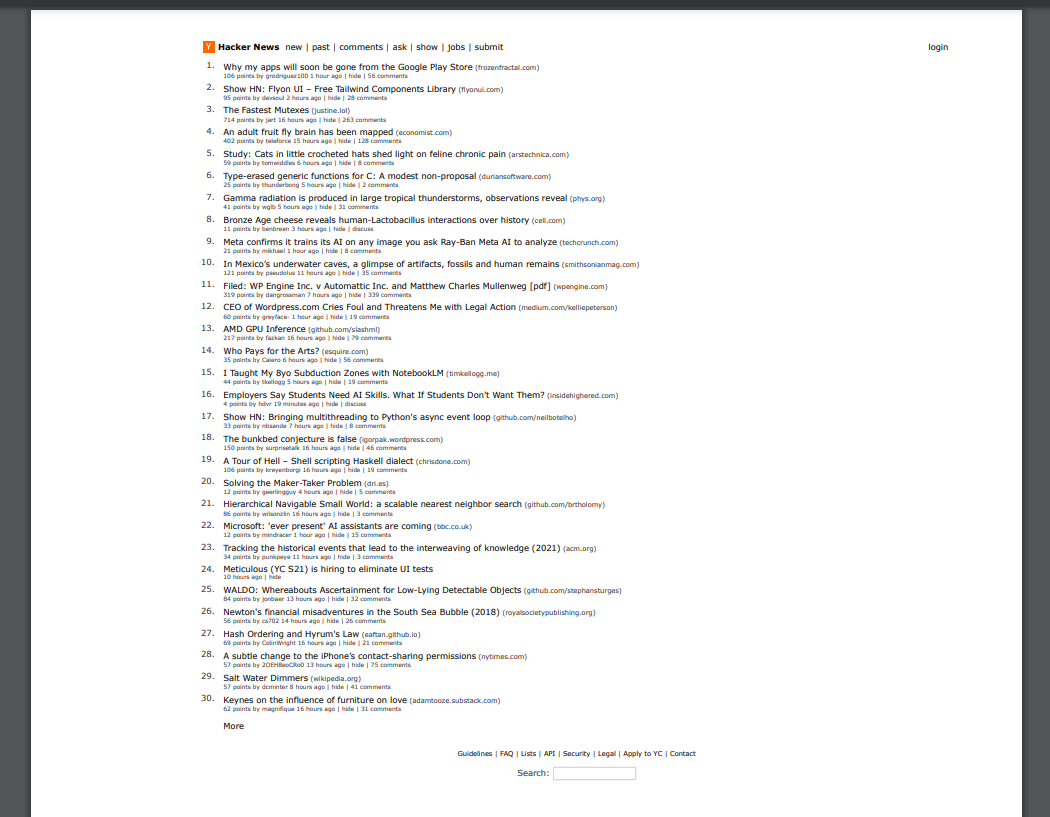
比如 scale 参数可以设置页面缩放,取值为0.1 ~ 2:
scale: 0.5,
其更多的设置参数,这里不再验证,清单如下:
| Property | Modifiers | Type | Description | Default |
|---|---|---|---|---|
| displayHeaderFooter | optional | boolean | Whether to show the header and footer. | false |
| footerTemplate | optional | string | HTML template for the print footer. Has the same constraints and support for special classes as PDFOptions.headerTemplate. | |
| format | optional | PaperFormat | Remarks: If set, this takes priority over the width and height options. | letter. |
| headerTemplate | optional | string | HTML template for the print header. Should be valid HTML with the following classes used to inject values into them: - date formatted print date- title document title- url document location- pageNumber current page number- totalPages total pages in the document | |
| height | optional | string | number | Sets the height of paper. You can pass in a number or a string with a unit. | |
| landscape | optional | boolean | Whether to print in landscape orientation. | false |
| margin | optional | PDFMargin | Set the PDF margins. | undefined no margins are set. |
| omitBackground | optional | boolean | Hides default white background and allows generating pdfs with transparency. | false |
| outline | optional | boolean | (Experimental) Generate document outline. | false |
| pageRanges | optional | string | Paper ranges to print, e.g. 1-5, 8, 11-13. | The empty string, which means all pages are printed. |
| path | optional | string | The path to save the file to. Remarks: If the path is relative, it’s resolved relative to the current working directory. | undefined, which means the PDF will not be written to disk. |
| preferCSSPageSize | optional | boolean | Give any CSS @page size declared in the page priority over what is declared in the width or height or format option. | false, which will scale the content to fit the paper size. |
| printBackground | optional | boolean | Set to true to print background graphics. | false |
| scale | optional | number | Scales the rendering of the web page. Amount must be between 0.1 and 2. | 1 |
| tagged | optional | boolean | (Experimental) Generate tagged (accessible) PDF. | true |
| timeout | optional | number | Timeout in milliseconds. Pass 0 to disable timeout.The default value can be changed by using Page.setDefaultTimeout() | 30_000 |
| waitForFonts | optional | boolean | If true, waits for document.fonts.ready to resolve. This might require activating the page using Page.bringToFront() if the page is in the background. | true |
| width | optional | string | number | Sets the width of paper. You can pass in a number or a string with a unit. |