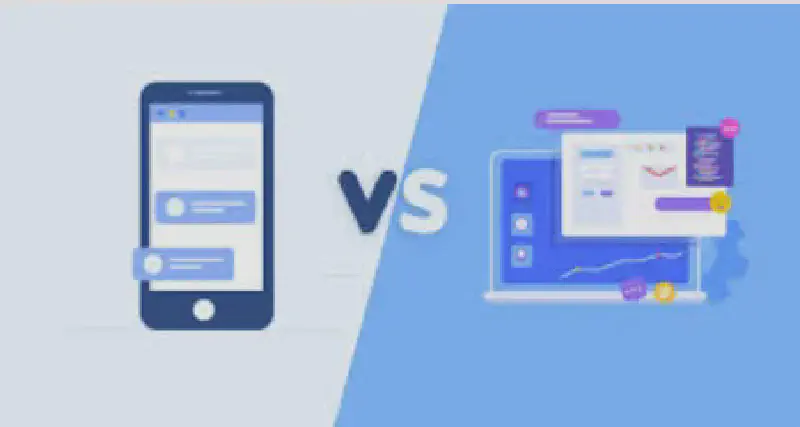
There are in fact quite a few differences between the two. The main way to look at them is to start from the characteristics of the test object.
Differences in Device Processing Performance
Although the hardware performance of mobile processors, memory, and the like has improved enormously, the gap in processing performance between some low-end phones and desktop computers is still fairly noticeable. Therefore, when testing, for software on the mobile side, loading efficiency, stuttering, and similar issues need particular attention.
Fragmentation of Screen Resolutions and System Versions
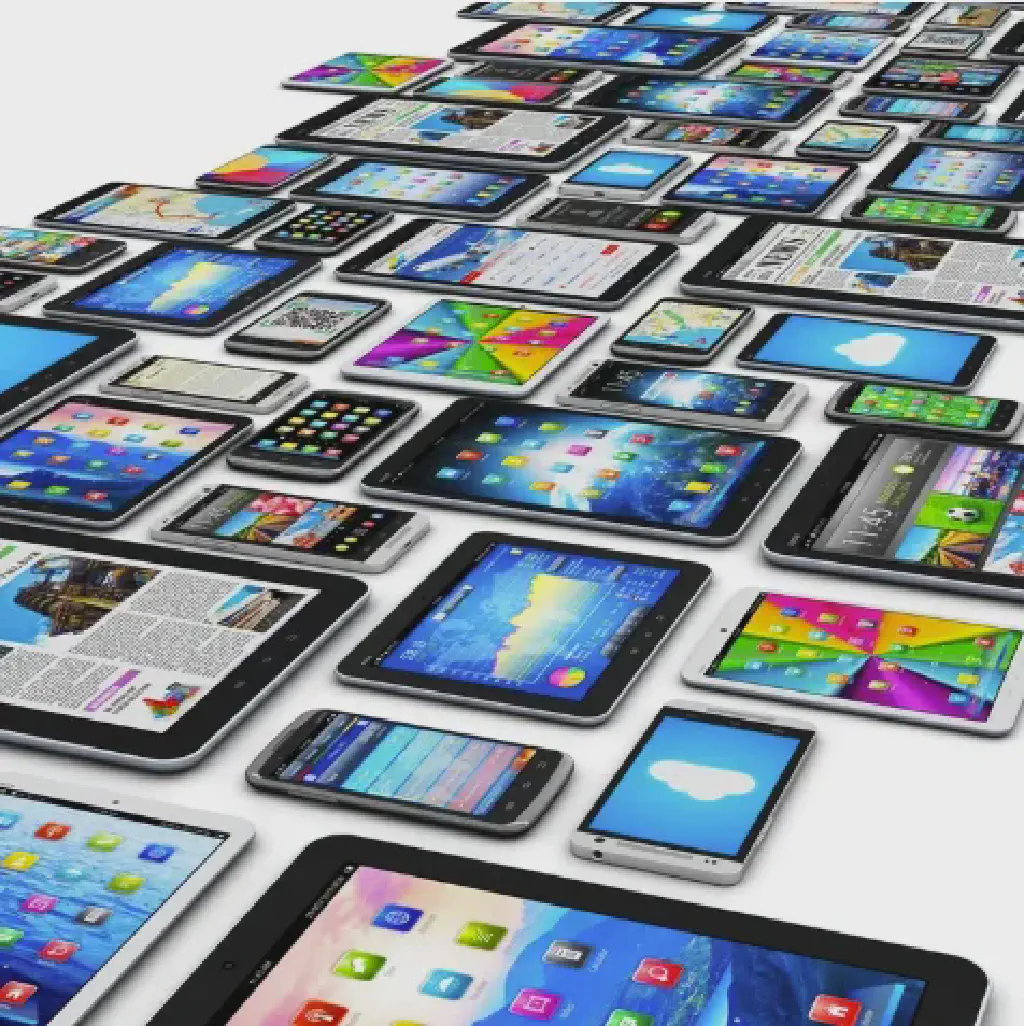
Because phones are portable, their screen resolutions are limited, and with so many manufacturers and models, fragmentation is very pronounced. Therefore, in testing mobile applications, accounting for the impact of different resolutions and manufacturer customizations, and verifying how the application is presented, is also a fairly clear difference from the desktop side.
Differences in Interaction Methods
On the desktop side the main interaction methods are the keyboard and mouse, while on the mobile side they are mainly touch, multi-touch, dragging, and so on. Text input and precise on-screen tapping are more difficult than on a desktop, so in application testing these too are points of difference.
Differences in Usage Scenarios
For mobile applications, beyond the differences in usage scenarios from the desktop side, there are also some typical special scenarios:
Network Stability
Since a phone is a mobile device, network switching and unstable connections while on the move are highly likely events, so the requirements on an application’s compatibility with sustained network stability are much higher than on the desktop side.
Power Consumption
Phones run on battery power, and in mobile scenarios power usage should be more restrained, so applications themselves face higher requirements for controlling power consumption.
Network Data Usage
Although mobile data charges have dropped substantially, data still accounts for a very large share of phone bills, so controlling the factors that affect data usage — such as packet size and frequency in network interactions — is also a characteristic of mobile apps.
Application Security
Although application security issues exist on both desktop and mobile, a phone is a device carried everywhere and used very frequently in daily life, and features such as location, calls, and camera are closely tied to personal privacy. The challenges to information security are greater, so the security requirements and privacy protection for mobile applications themselves are generally stricter than on the desktop side.
Differences in Testing Tools
 Mobile and desktop applications differ markedly in operating systems and development tools, and correspondingly there are clear differences in testing tools as well.
Taking automation tools as an example, on the desktop side you might have selenium, robotframework, postman, and so on, whereas on the mobile side the corresponding tools are represented by ones like Appium and airtest.
Looking broadly at the aspects above, we can see that the differences are still very pronounced and cannot be generalized.