When browsing material on websites, we often come across valuable documents that we need to save. Copying the content directly is actually rather troublesome, and some sites even impose restrictions that make saving inconvenient. In such cases, saving the page directly as a PDF file is a very useful requirement.
The usual approach relies on browser extensions or printing add-ons. Since we are learning automation here, we can in fact use Puppeteer to achieve this conveniently. Combined with the power of automation, it is absolutely a great tool for crawling and saving important material.
Puppeteer Usage
For the basic usage of the Puppeteer tool, I already gave a fairly comprehensive introduction in my earlier post An Introduction to Puppeteer for Test Automation, which you can refer to.
Basic Usage of pdf()
Saving a PDF file in Puppeteer is actually very simple. By calling Puppeteer’s built-in pdf() method, you can save the current page as a PDF file.
The official example:
| |
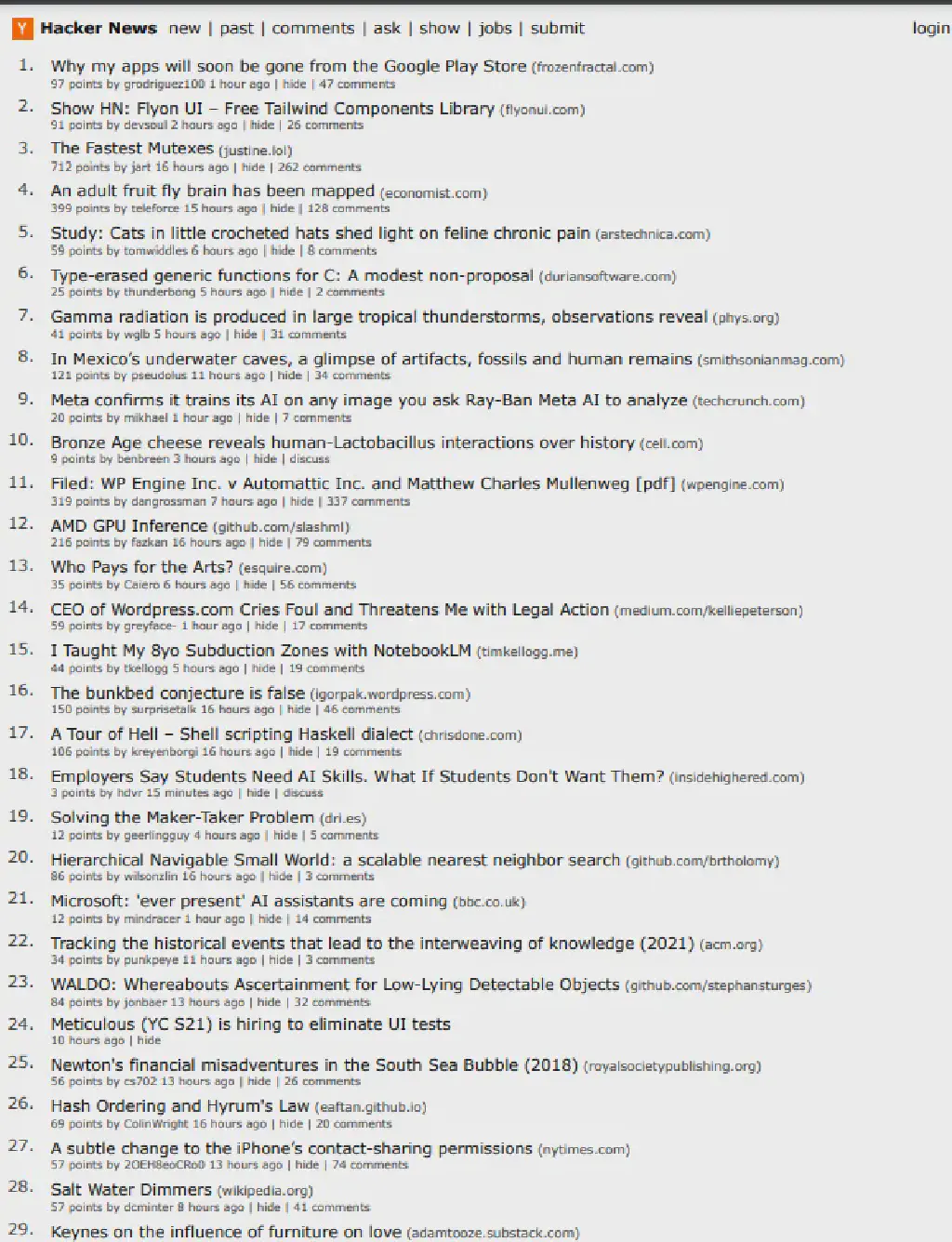
It is used to visit a tech news aggregation site and save the page to the hn.pdf file.
PaperFormat
In the example above there is a format parameter. This parameter actually specifies the page size to save, and it can take a number of default print page sizes. The list of values and their corresponding sizes is as follows (in inches):
Letter: 8.5in x 11inLegal: 8.5in x 14inTabloid: 11in x 17inLedger: 17in x 11inA0: 33.1102in x 46.811inA1: 23.3858in x 33.1102inA2: 16.5354in x 23.3858inA3: 11.6929in x 16.5354inA4: 8.2677in x 11.6929inA5: 5.8268in x 8.2677inA6: 4.1339in x 5.8268in
PDFMargin
Besides format, you can also set page margins as you would when printing, by setting the margin property. The corresponding values are:
| Property | Modifiers | Type |
|---|---|---|
| bottom | optional | string | number |
| left | optional | string | number |
| right | optional | string | number |
| top | optional | string | number |
| Adding margin settings to the code above: |
| |
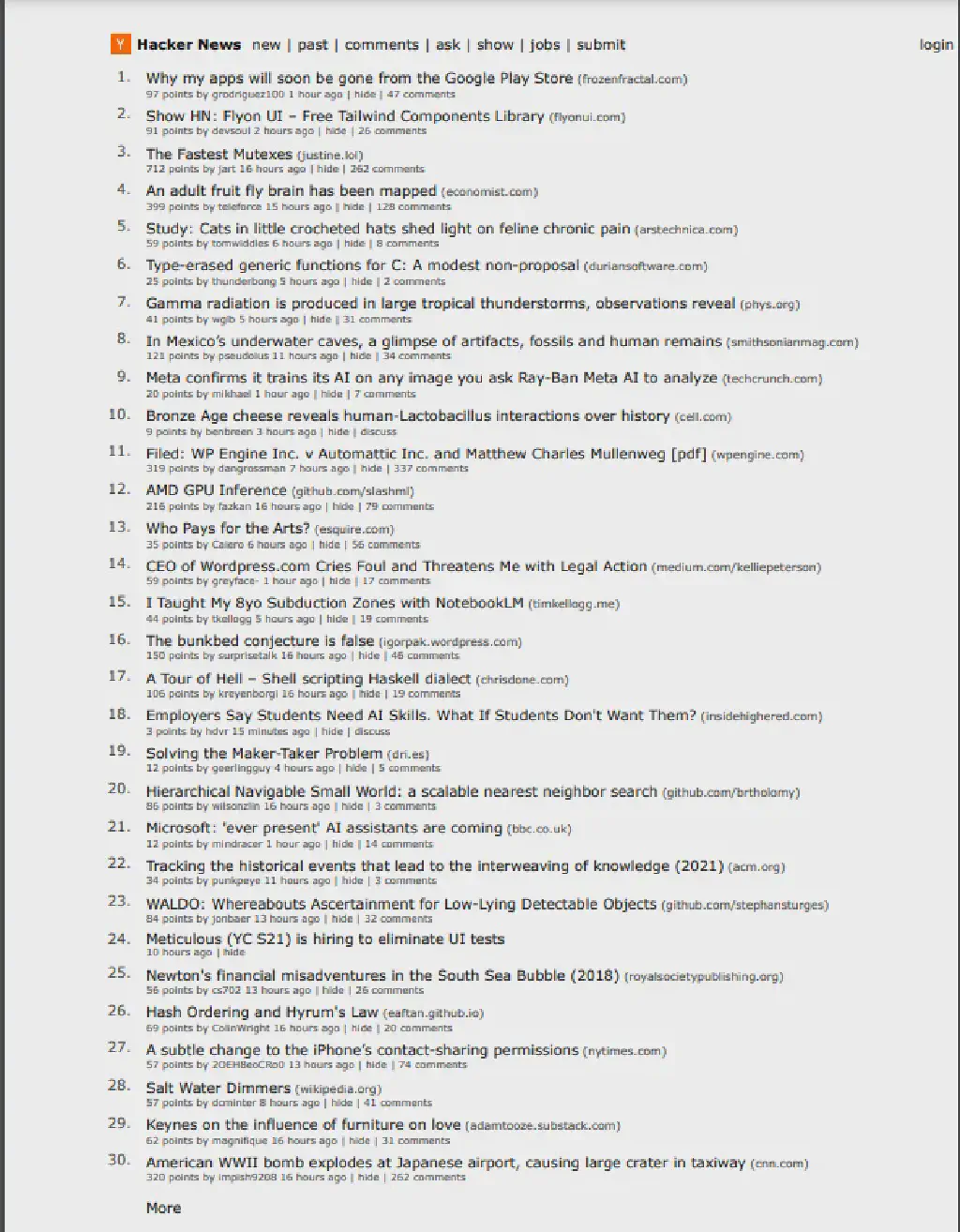
You can see that the margins have also been adjusted.
PDFOption
Beyond the two commonly used adjustment parameters above, this method actually offers a richer set of other settings, which can basically cover all kinds of styling needs when we save PDF documents.
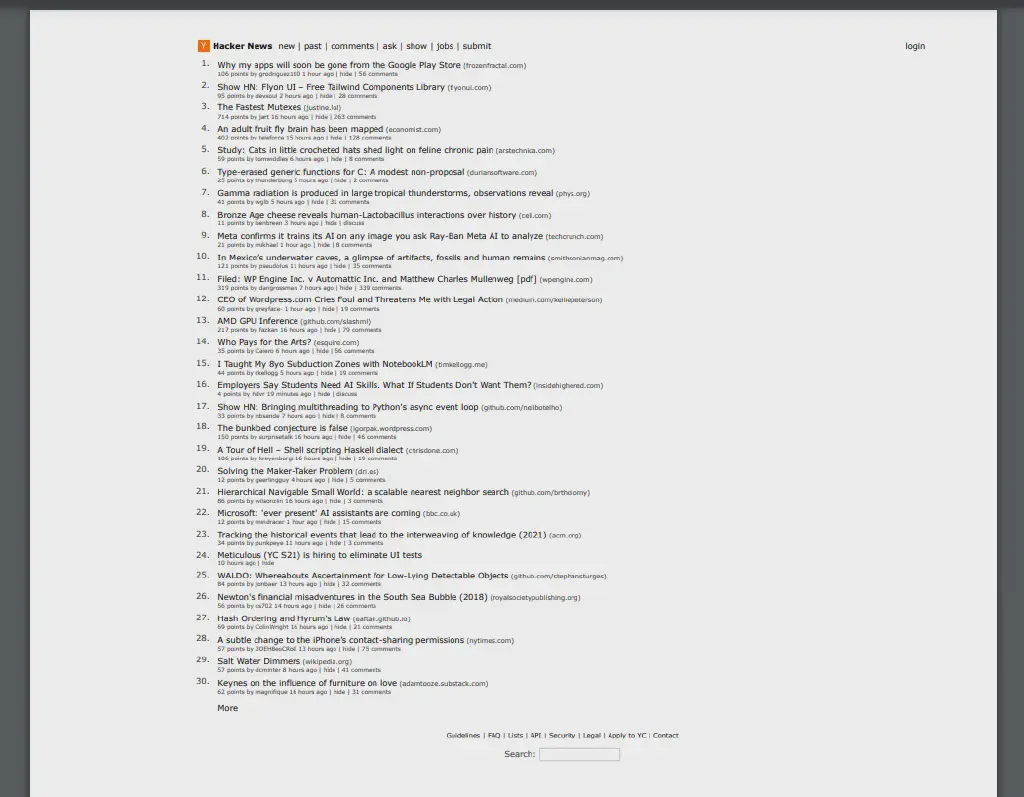
For example, the scale parameter sets the page zoom, with a value from 0.1 to 2:
scale: 0.5,
I will not verify its remaining settings here; the full list is as follows:
| Property | Modifiers | Type | Description | Default |
|---|---|---|---|---|
| displayHeaderFooter | optional | boolean | Whether to show the header and footer. | false |
| footerTemplate | optional | string | HTML template for the print footer. Has the same constraints and support for special classes as PDFOptions.headerTemplate. | |
| format | optional | PaperFormat | Remarks: If set, this takes priority over the width and height options. | letter. |
| headerTemplate | optional | string | HTML template for the print header. Should be valid HTML with the following classes used to inject values into them: - date formatted print date- title document title- url document location- pageNumber current page number- totalPages total pages in the document | |
| height | optional | string | number | Sets the height of paper. You can pass in a number or a string with a unit. | |
| landscape | optional | boolean | Whether to print in landscape orientation. | false |
| margin | optional | PDFMargin | Set the PDF margins. | undefined no margins are set. |
| omitBackground | optional | boolean | Hides default white background and allows generating pdfs with transparency. | false |
| outline | optional | boolean | (Experimental) Generate document outline. | false |
| pageRanges | optional | string | Paper ranges to print, e.g. 1-5, 8, 11-13. | The empty string, which means all pages are printed. |
| path | optional | string | The path to save the file to. Remarks: If the path is relative, it’s resolved relative to the current working directory. | undefined, which means the PDF will not be written to disk. |
| preferCSSPageSize | optional | boolean | Give any CSS @page size declared in the page priority over what is declared in the width or height or format option. | false, which will scale the content to fit the paper size. |
| printBackground | optional | boolean | Set to true to print background graphics. | false |
| scale | optional | number | Scales the rendering of the web page. Amount must be between 0.1 and 2. | 1 |
| tagged | optional | boolean | (Experimental) Generate tagged (accessible) PDF. | true |
| timeout | optional | number | Timeout in milliseconds. Pass 0 to disable timeout.The default value can be changed by using Page.setDefaultTimeout() | 30_000 |
| waitForFonts | optional | boolean | If true, waits for document.fonts.ready to resolve. This might require activating the page using Page.bringToFront() if the page is in the background. | true |
| width | optional | string | number | Sets the width of paper. You can pass in a number or a string with a unit. |